

For superintendents and construction managers
Has drywall started?
Answer once. From the homesite.
Superintendents post progress and photos from their phone, right at the homesite. The buyer, sales and the Realtor see it, so fewer status calls interrupt the build.
Sound familiar?
The field knows. Nobody else does yet.
“Why is the Realtor calling the superintendent?”
Sales asks for the update you already gave yesterday.
Closing is next week and the final walkthrough still isn't on the calendar.
Setting up orientation took a hallway conversation, a text and two phone calls.
For superintendents
Post it once. From the homesite.
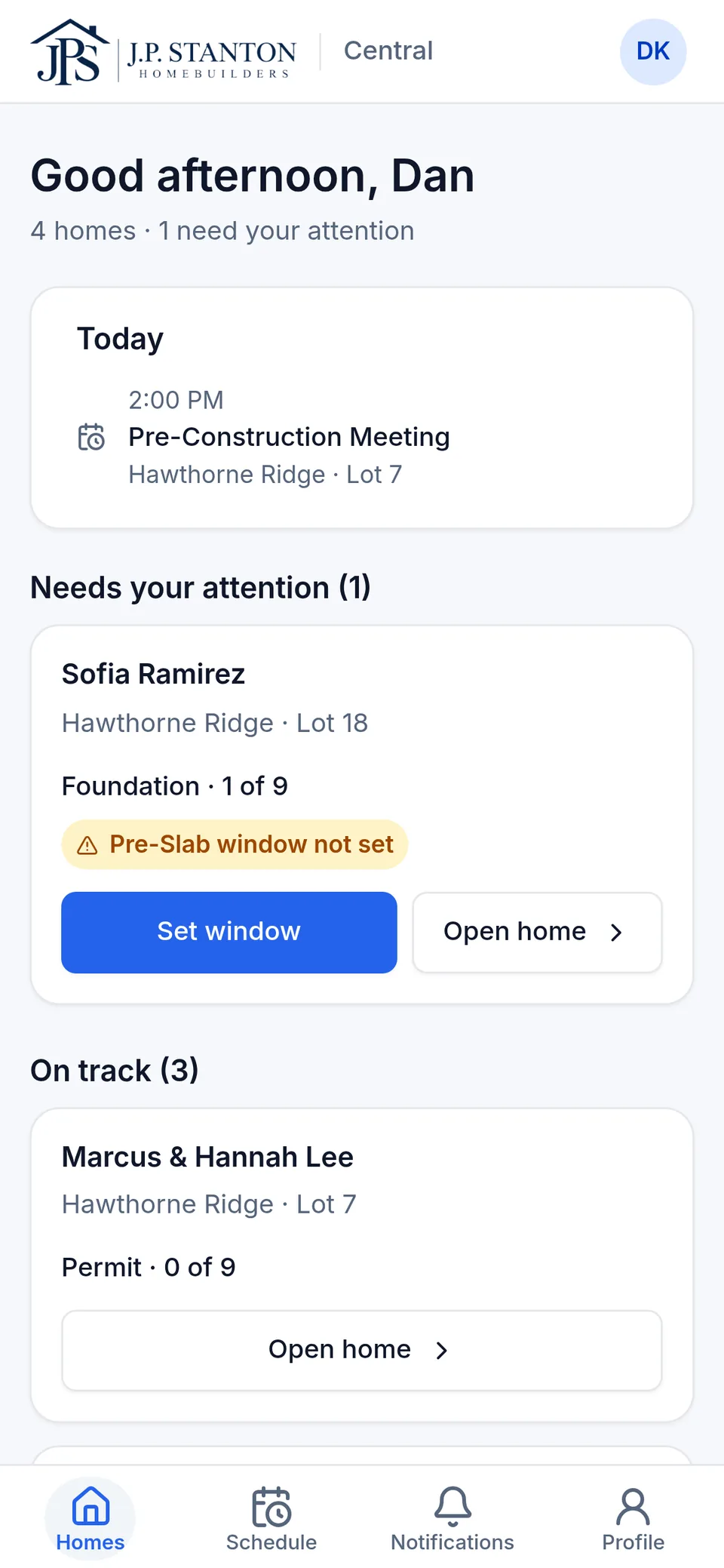
Homes, sorted by what needs you.
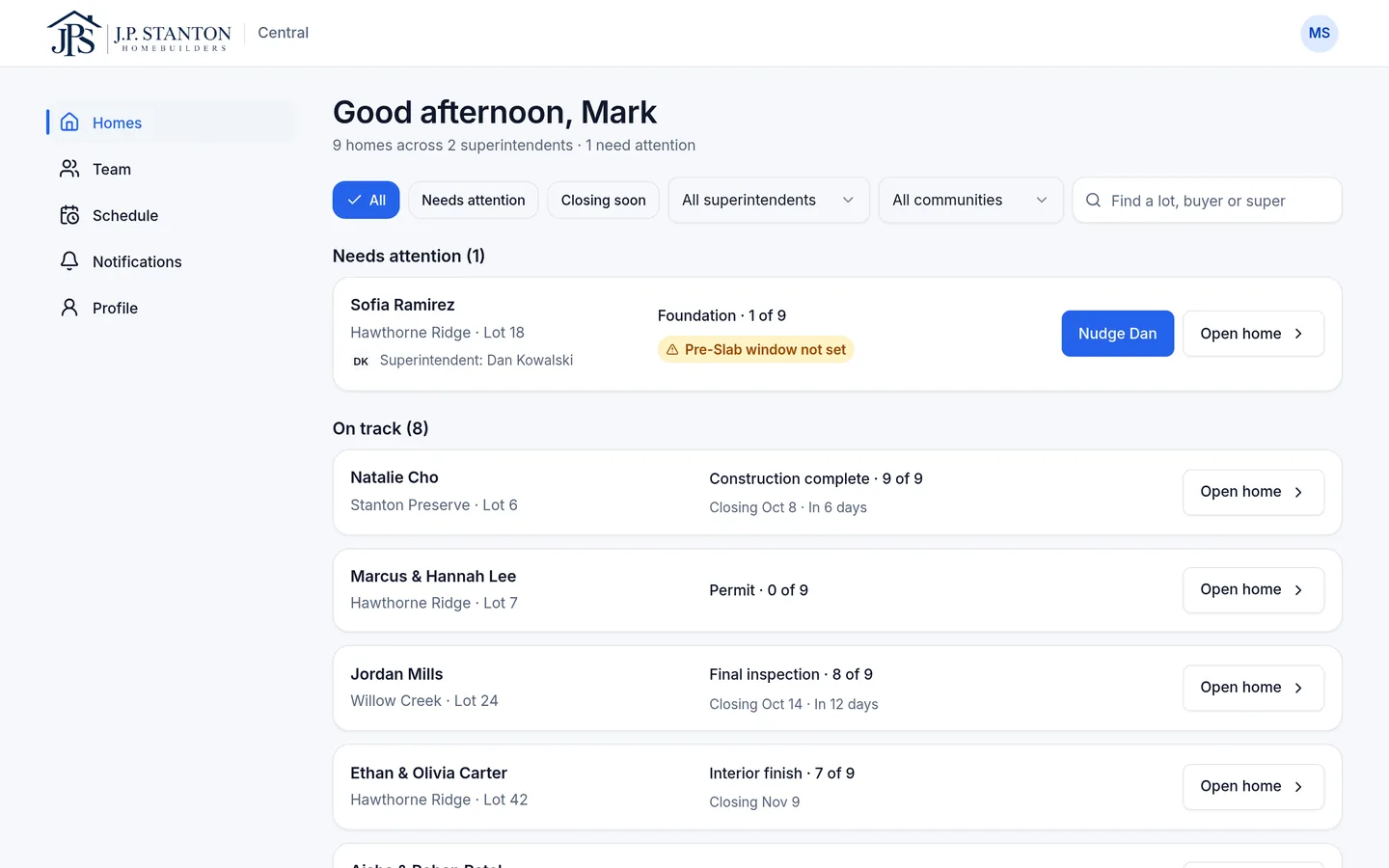
Every flag says why, like “Pre-Slab window not set”, and the button on the card is the fix.
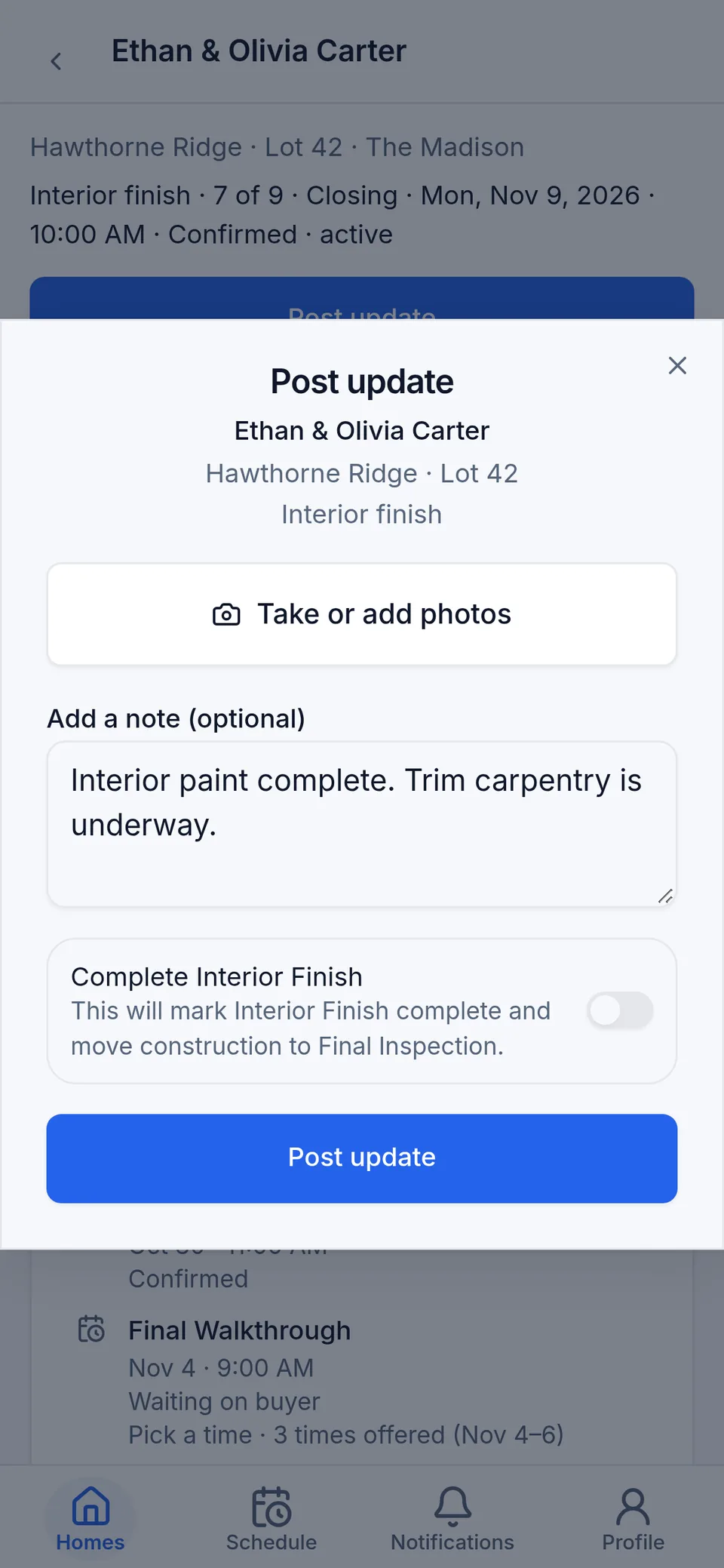
An update with photos, in one step.
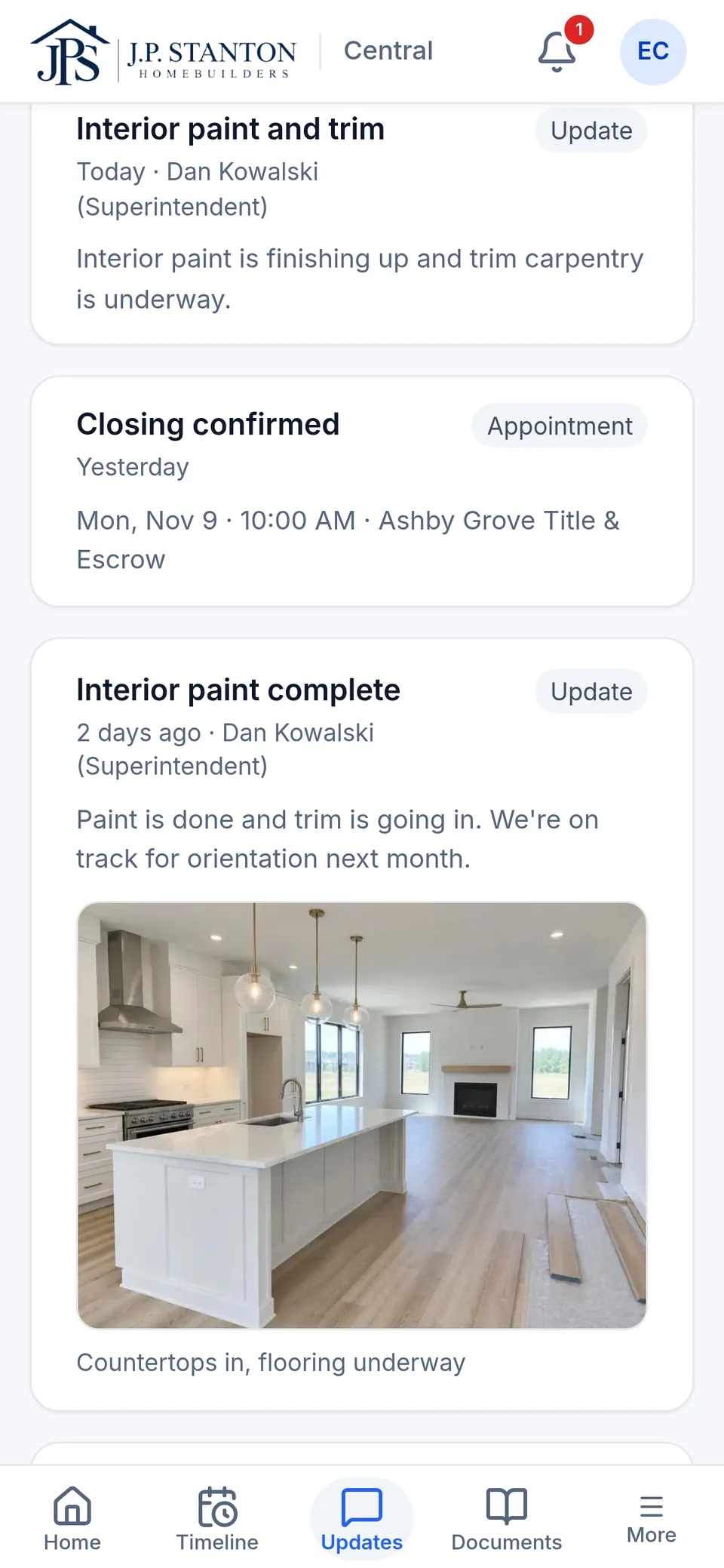
A short note, the stage and a photo. The buyer sees what you share in their Updates; internal notes stay with your team. Sales and the Realtor see the new stage.
Today, and the rest of the week.
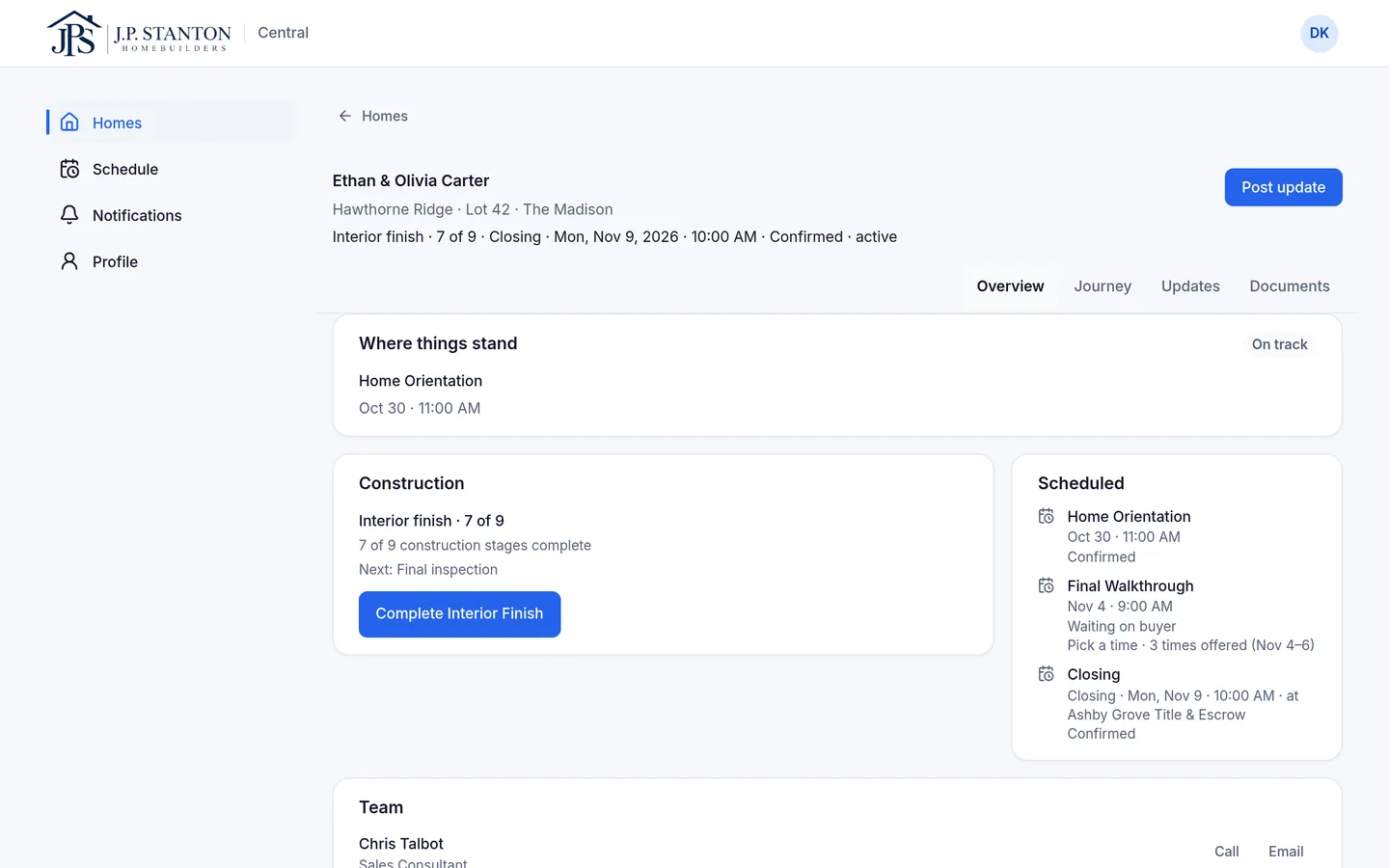
Where you need to be, and with which buyer. Mark a stage complete, or set the window for the buyer's own inspector, from the home.
For construction managers
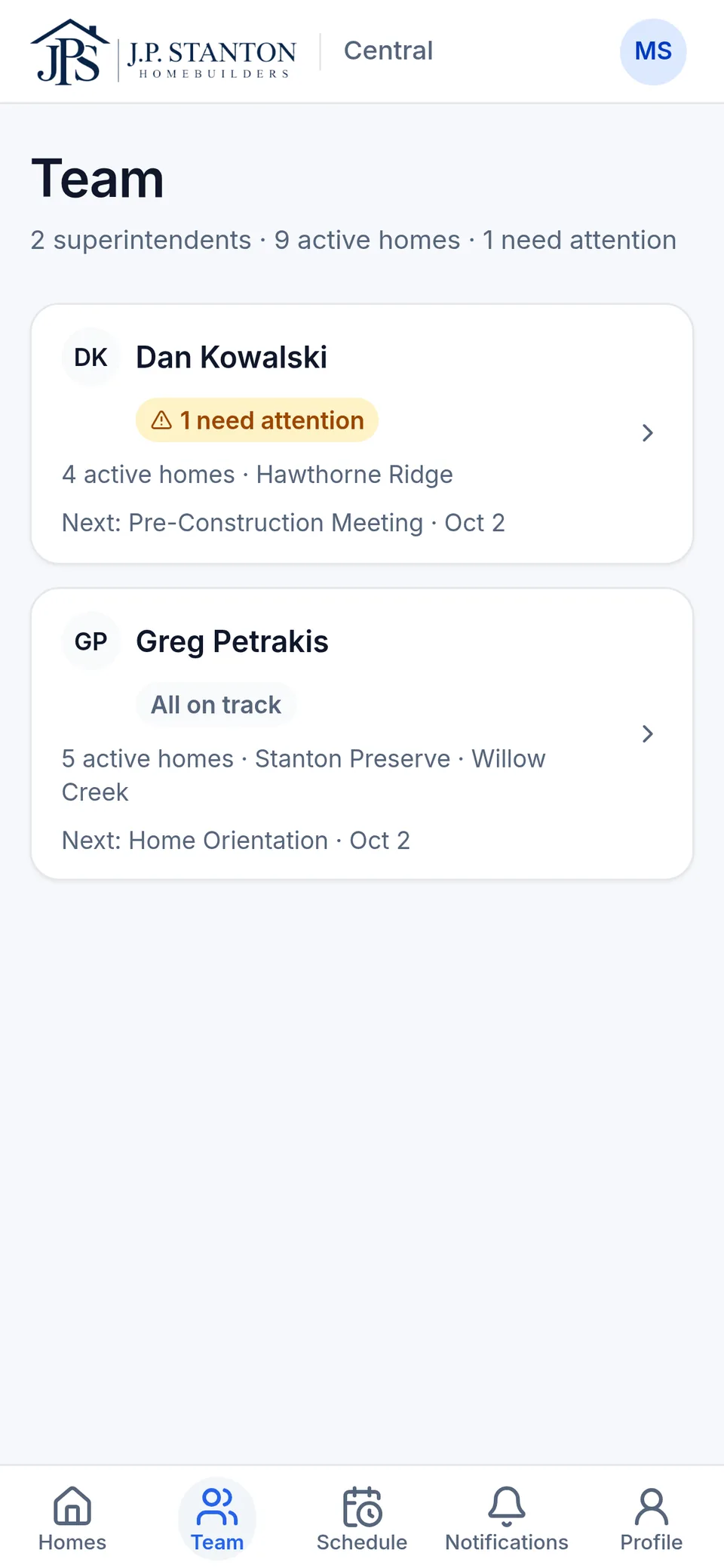
Every superintendent's homes, attention first.
One list across your superintendents, filtered by superintendent or community. Each flagged home shows why and who owns it. Nudge a superintendent with one tap.
“Another app for my supers?”
Yes. One they open in their phone's browser. It doesn't replace your schedule or sync with it today; integrations are planned. It's where buyer-facing progress lives, posted once instead of repeated to five people.
See the homesite side of SingleStory.
We'll walk one home from the superintendent's phone to the buyer's timeline.