

For builder leadership
Let sales sell. Let construction build.
When buyers and Realtors can see where every home stands, nobody chases answers. Sales, construction, lending and closing get time back for the work they do best. Buyers are happier, and so is your team.
01 — The coordination tax
The hidden cost is everyone having to ask.
It never shows up as a line item. It shows up at the pre-drywall meeting, the design appointment, the closing date that moves, and the orientation nobody scheduled.
Why did the buyer hear a different closing date?
Inconsistent answers.
Why is sales chasing construction?
Repeated internal follow-up.
Why did that home go quiet for three weeks?
Nobody owned the next update.
Why is the Realtor calling the superintendent?
Interrupted field staff.
What does the lender still need?
Status that lives in one inbox.
Why isn't the final walkthrough on the calendar?
Closing is next week.
Today, a buyer's experience often depends on whether someone remembered to send the update.
Count it in your own business.
Take your homes under contract. Count a typical week's buyer, Realtor and lender check-ins, and the calls each one sets off inside your team. That's the work SingleStory is built to cut down.
02 — What you get back
Time back for everyone. Happier buyers. A happier team.
Your people still post each update once. Buyers and Realtors can see it, so fewer questions travel person to person, and every team gets back to its own work.
For your team
Sales gets back to selling
Consultants stop relaying construction updates and spend that time with buyers and prospects.
For sales teamsConstruction stays on the build
Superintendents post progress once from the homesite, then get back to the build instead of returning status calls.
For construction teamsDesign stays on design
Buyers can already see where their home stands, so time in the design center goes to selections, not status questions.
Fewer interruptions for lending and closing
The loan officer and closing coordinator keep their own status current, so fewer calls reach them asking for it.
Leadership stops chasing status
Managers see which homes need help and who owns the next step, without a status meeting or a round of calls.
A happier team
Fewer repeat questions and dropped handoffs. People spend their day on the work they're good at, and they're happier at work.
For your buyers
Answers without the wait
Buyers and their Realtors check where the home stands instead of waiting for a call back.
What buyers seeOne clear next step
Buyers know whether they need to do anything, and when.
Happier buyers
Fewer quiet weeks, no chasing and one set of dates. Buyers feel looked after from contract to closing.
Answer it once, and every team gets back to its own job.
Updates come from your people, not from a sync. Integrations with your other systems are planned, not live today.
03 — Leadership
Know which homes need you before the buyer tells you.
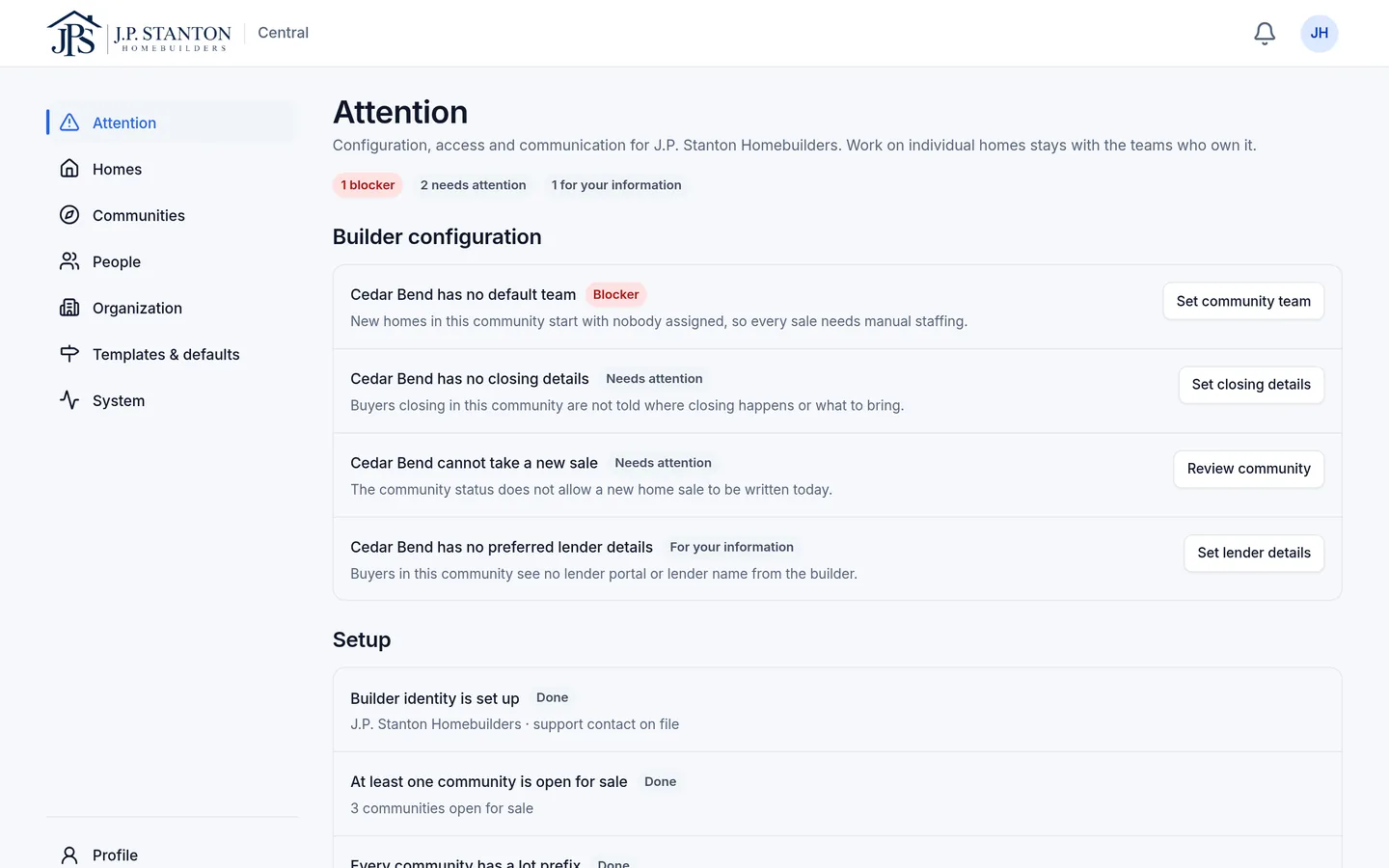
Attention lists show what's blocking progress, why, and who owns it, across sales, construction, lending and closing. The homes that are on track don't need a status meeting.
04 — One standard everywhere
One standard across every community and division.
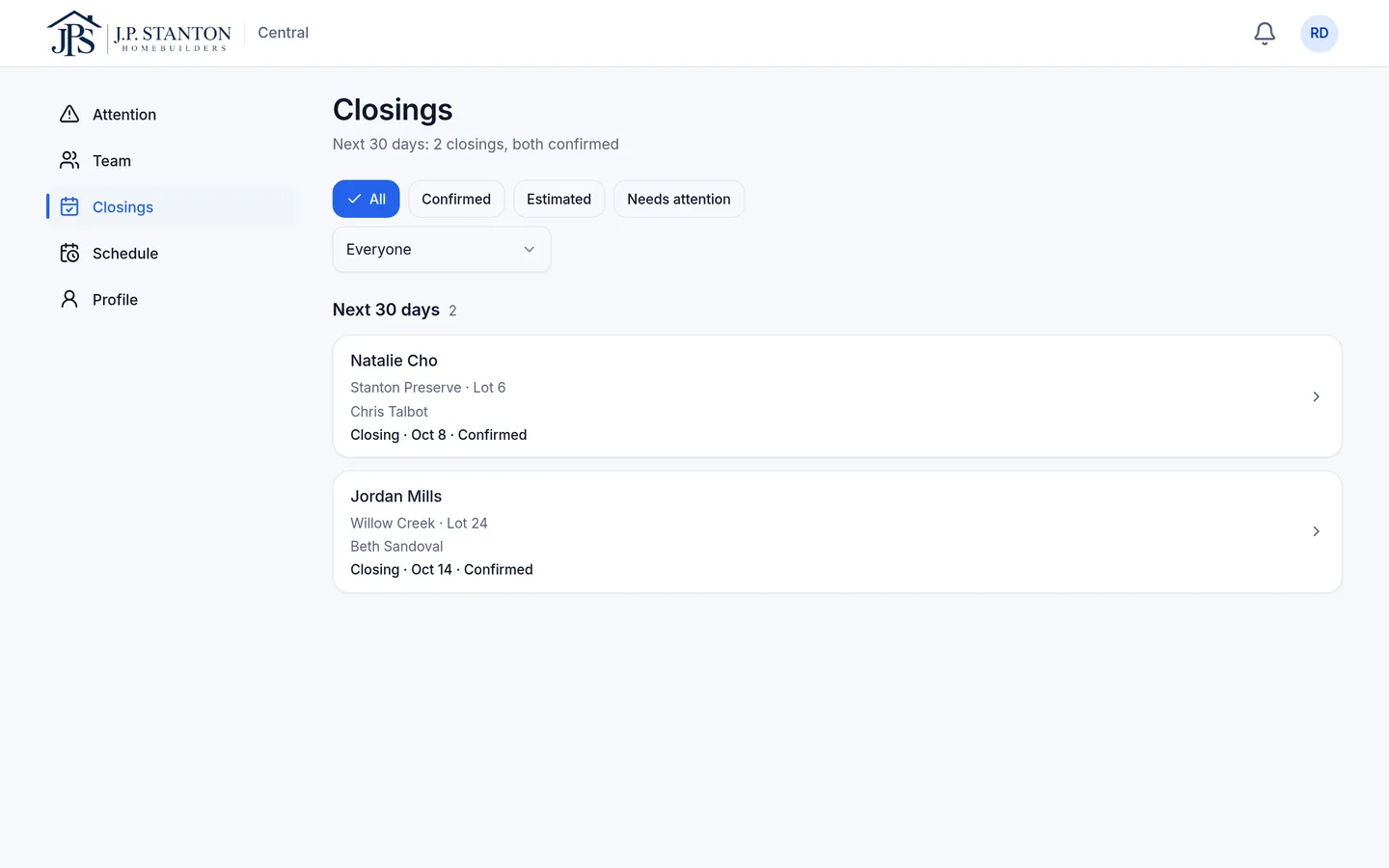
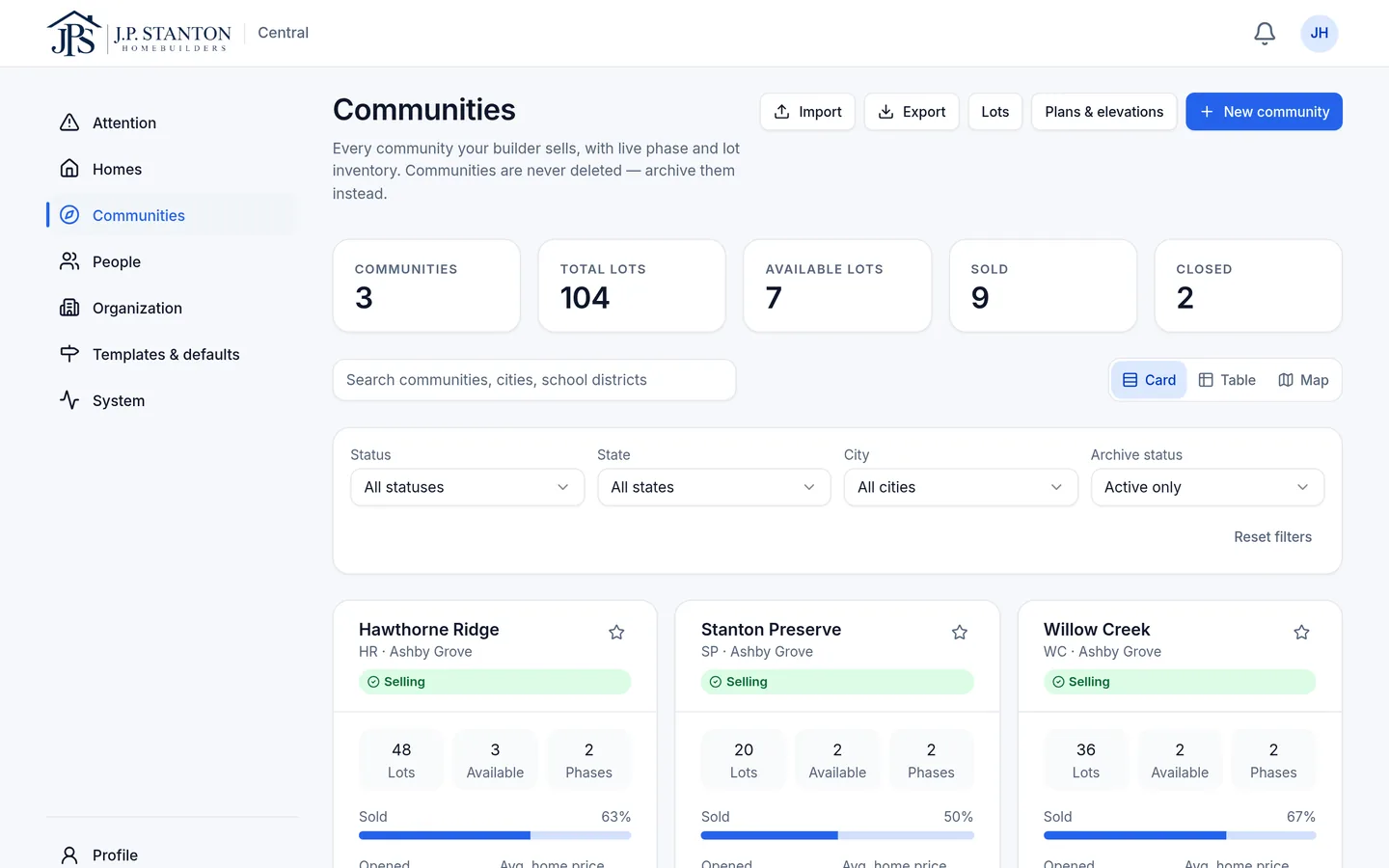
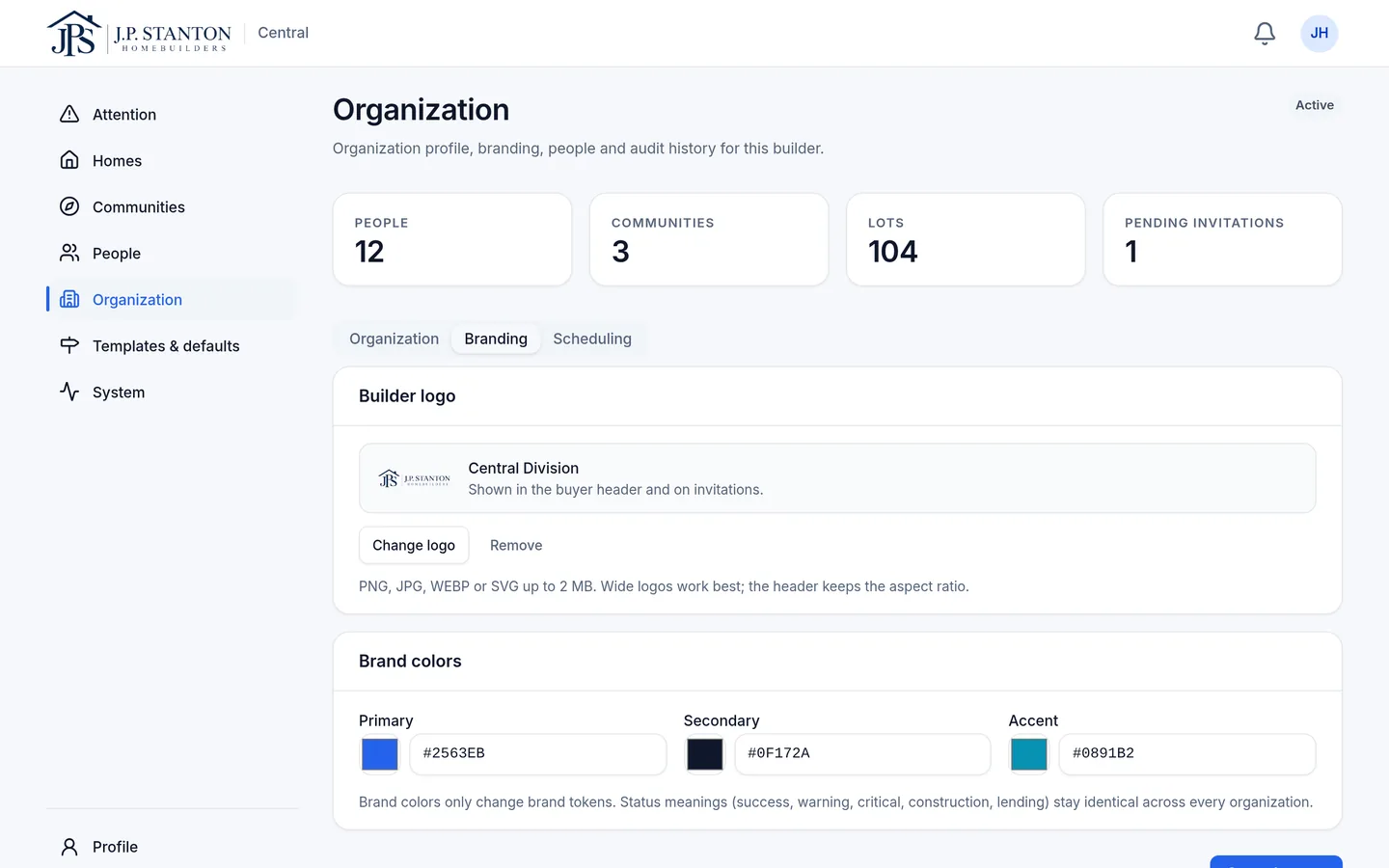
Set up divisions, communities and defaults once. Every new home starts with the right preferred-lender contact and closing defaults, so the starting point doesn't depend on which community or consultant a buyer got.
- Builder
- Region (optional)
- Division
- Community
- Home
05 — Who keeps it current
Who keeps the shared record current?
The people already doing the work.
Superintendents, sales, loan officers and closing add updates from a phone or desktop, including progress photos from the field.
We handle the setup.
During onboarding, SingleStory sets up your communities and lots, then trains your team to add new ones as you grow.
Built to connect.
Integrations with the builder tools you already use are planned, so updates like stage changes can flow in without retyping. Today, nothing syncs automatically.
06 — Keep your systems
Keep the systems that run your business.
- CRM
- Construction schedule
- Accounting and ERP
- Design center
- Lender systems
- Title and closing
SingleStory doesn't replace any of them, and it doesn't sync with them today.
07 — Built from inside new-home sales
Sales shouldn't be the human integration layer.
SingleStory was built by Stefan Bean after more than twenty years across marketing, real estate and new-home sales, working directly with buyers, Realtors and builder teams.
Bring us one of your homes.
We'll walk it from contract to closing and show what your teams, your buyer and their Realtor would see.